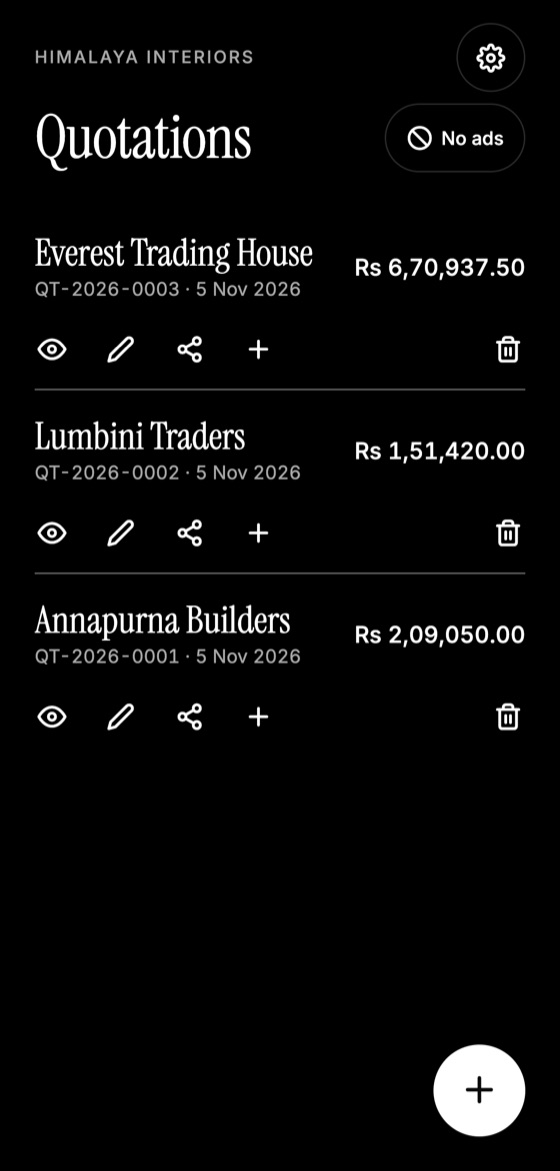
If your quotations live only on your phone, one drop, theft or reset could erase them. A backup routine takes only a few minutes, and it's far cheaper than rebuilding your records from memory.
What to back up
- Quotations and invoices
- Client details
- Company details and logo
- Accepted quotes, signed documents and job photos
- Any business records you must keep for tax purposes
Check local rules on how long you must retain business and tax records.
Follow the 3-2-1 idea
A popular guideline is to keep:
- 3 copies of your important data
- 2 different types of storage, such as your phone and a cloud drive
- 1 copy away from the original, so a single loss can't destroy them all
For a very small business, a phone copy, plus a cloud or email copy, is a strong start.
Pick a schedule
Choose how much work you could bear to lose. If you send a few quotes weekly, back up once a week. If you quote every day, back up daily, or after any important job. A monthly phone reminder is better than no routine at all.
Make this quotation on your phone. Add your company once, then create and share a PDF, even without internet.

Protect your backups
Backup files can contain client names, phone numbers and prices. Treat them as confidential:
- Use a strong password and two-step verification on your cloud account.
- Don't send backups to shared groups or shared email.
- Delete old copies you no longer need, particularly on shared devices.
Test a restore
A backup you've never restored is only a hope. Try it once, ideally on another phone, to check everything comes back.
Changing phones
In Quotation Maker App Offline, use Settings to send a backup file to yourself. On your new phone, choose Restore from a backup. Keep in mind that this replaces what's on that phone.
Quotation Maker App Offline is free on Google Play. It stores your work on your phone and creates a clean A4 PDF you can share anywhere.
Keep reading
How to Make a Quotation on Your Phone
Create a professional quotation from your Android phone in minutes: set up your details once, add items, and share a PDF with your client.
Why You Should Send Quotations as PDF Files
PDF quotations look the same on every device, are harder to alter accidentally, and feel more professional. Here's when and how to use them well.
How to Number Your Quotations: A Simple System
Why every quotation needs a unique number, simple numbering formats that work, and mistakes to avoid as your business grows.