Website projects often run over because each side imagines a different result. A detailed scope turns "a nice website" into a list that both sides can check.
Define the scope
List the deliverables:
- Number of pages or templates
- Features: contact forms, booking, payments, blog, multilingual support
- Design: custom or template based
- Responsive layouts and browsers supported
- SEO basics and analytics setup
Also list what's excluded: copywriting, photography and logos are common surprises.
Choose fixed price or time
A fixed price suits a defined project. Larger or evolving projects may fit a stage-based approach: a paid discovery phase first, followed by a firm quote for the build. Or quote an hourly rate with a stated cap.
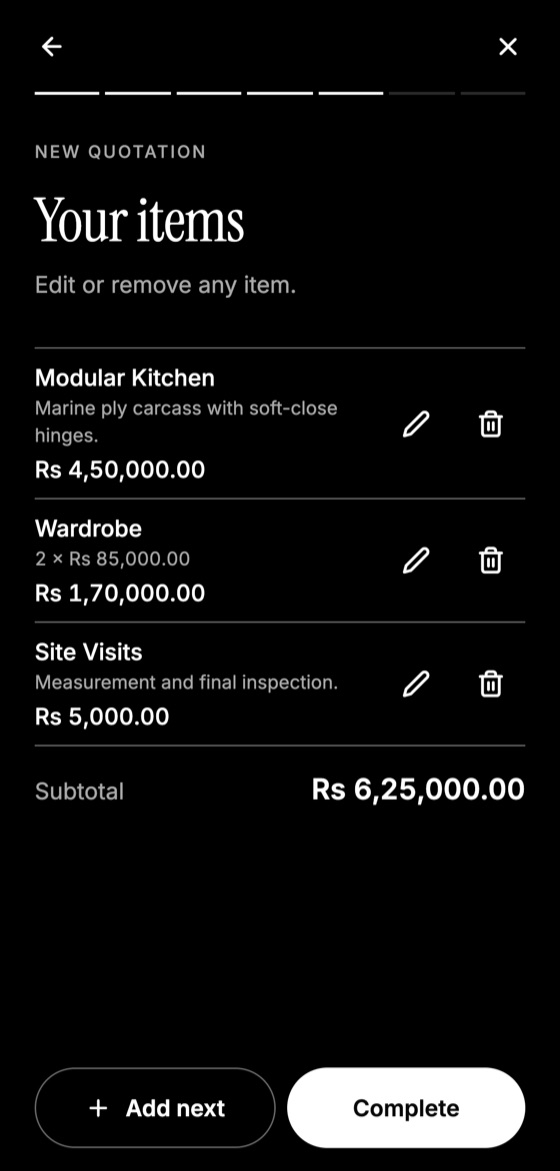
Make this quotation on your phone. Add your company once, then create and share a PDF, even without internet.

Limit revisions and handle content
"Includes two rounds of design revisions per template." Clarify who supplies text and images, and when. Delayed content is the top cause of late projects. You could state: "If content is not received by the agreed date, the timeline will move."
Show recurring costs separately
Clients often don't understand what continues after launch:
- Domain and hosting
- Plugins, licences or paid services
- Security updates and backups
- Support hours
Make it clear what's a one-time fee and what's a yearly one.
Payment and ownership
A typical schedule is 40% to start, 30% on design approval, and 30% before launch. Publish after final payment where possible, and state who owns the code, design and accounts upon completion.
Finally, list your handover: logins, training and documentation. It reduces later support requests and shows professionalism.
Quotation Maker App Offline is free on Google Play. It stores your work on your phone and creates a clean A4 PDF you can share anywhere.
Keep reading
Construction Quotation Guide for Small Contractors
How small contractors can write construction quotations: bill of quantities, stages, variations, site conditions, and payment schedules that protect cash flow.
How Electricians Can Quote Jobs Accurately
A practical quoting guide for electricians: pricing points, labour, testing, safety exclusions, and how to handle hidden wiring problems.
How to Quote AC and HVAC Installation Jobs
How HVAC technicians can quote installation and maintenance: load assessment, standard installation limits, extra piping, electrical work and service contracts.