A transport price looks simple until the truck waits six hours, the road is closed or the load is bigger than stated. A good quotation sets out assumptions, so extra costs don't come out of your margin.
Get the shipment details
Ask for and record:
- Pickup and delivery addresses
- Weight, volume and number of pieces
- Type of goods, including fragile or hazardous items
- Required dates and times
- Who loads and unloads
Quote based on those details, and say the price changes if they do.
Choose a price basis
Common options are per trip, per kilometre, per tonne, per pallet, or a monthly contract. Include fuel, driver costs, tolls, maintenance and the empty return journey, which is easily forgotten.
State additional charges
Be specific about common extras:
- Waiting time beyond a free period, such as 2 hours
- Loading and unloading labour
- Tolls and permits
- Extra stops
- Night or holiday deliveries
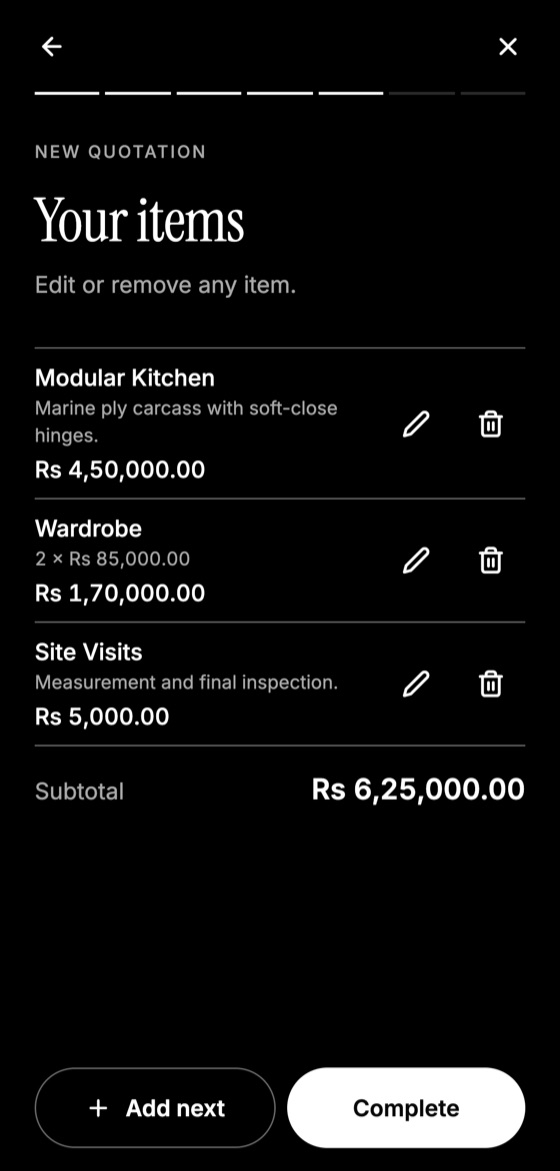
Make this quotation on your phone. Add your company once, then create and share a PDF, even without internet.

Handle fuel changes
For regular contracts, consider a fuel adjustment clause: "Rates will be reviewed if diesel prices change by more than 5%."
Set liability clearly
Say who insures the goods and what your responsibility is. Clients often assume you cover everything. If goods are not insured by you, state: "Goods travel at the owner's risk unless transit insurance is purchased." Local law may affect how much you can limit liability, so seek advice for high-value loads.
Delays beyond your control
Mention road closures, weather, strikes and customs. Make any delivery date an estimate, unless you're confident in guaranteeing it.
Keep proof of delivery, as signed delivery notes support your invoice.
Quotation Maker App Offline is free on Google Play. It stores your work on your phone and creates a clean A4 PDF you can share anywhere.
Keep reading
Construction Quotation Guide for Small Contractors
How small contractors can write construction quotations: bill of quantities, stages, variations, site conditions, and payment schedules that protect cash flow.
How Electricians Can Quote Jobs Accurately
A practical quoting guide for electricians: pricing points, labour, testing, safety exclusions, and how to handle hidden wiring problems.
Quotation App vs Excel: Which Is Better?
Compare spreadsheets, Word templates and quotation apps for making quotes, including speed, errors, phone use, and which fits your business.