In print, one missing detail can ruin a whole batch. Your quotation must capture the exact specification, and your approval process should make clear who's responsible for the final artwork.
Capture the specification
For each item, note:
- Quantity, including price at other quantities
- Finished size
- Material, such as paper weight, vinyl or acrylic
- Colours and printing method
- Finishing: lamination, folding, binding, eyelets, or a frame
Quoting price breaks, such as 500, 1,000 and 2,000 units, can encourage larger orders since the unit cost falls as volume rises.
Handle artwork
Say who provides artwork, and in which format. Design services should be a separate line. State: "Print-ready PDF with bleed required. Design work is charged separately."
Require proof approval
This protects you from costly reprints:
"The client approves the final proof before printing. Errors found after approval are the client's responsibility."
Keep the approval message on record.
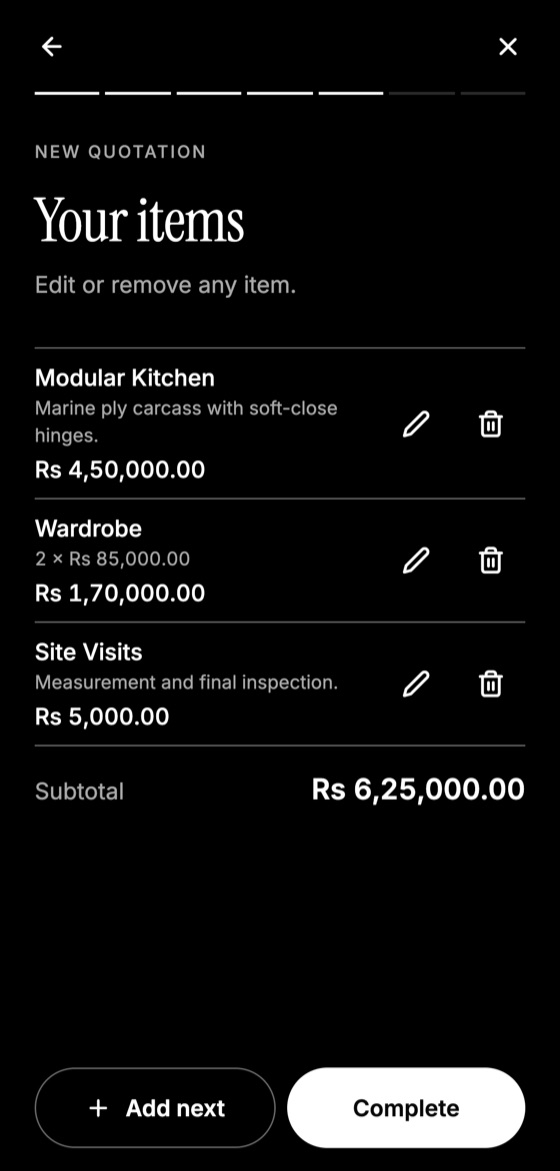
Make this quotation on your phone. Add your company once, then create and share a PDF, even without internet.

Set colour expectations
Colours vary between a screen and print, and between batches. Note a reasonable tolerance: "Printed colours may vary slightly from on-screen colours." Offer a hard-copy proof for jobs where colour is critical.
Signage extras
Signage adds height and structure. Cover the site survey, permissions, structure, access equipment, electrical work and installation. State who obtains permits for outdoor signs. Those regulations vary by area.
Quantity tolerance and delivery
Commercial print runs can be slightly over or under the requested quantity, so state your policy if relevant. Include production time from approval, not from the date of the quotation, as well as delivery charges and a deposit, especially for custom items.
Quotation Maker App Offline is free on Google Play. It stores your work on your phone and creates a clean A4 PDF you can share anywhere.
Keep reading
Construction Quotation Guide for Small Contractors
How small contractors can write construction quotations: bill of quantities, stages, variations, site conditions, and payment schedules that protect cash flow.
How Electricians Can Quote Jobs Accurately
A practical quoting guide for electricians: pricing points, labour, testing, safety exclusions, and how to handle hidden wiring problems.
How to Create Quotes Offline on Remote Job Sites
Weak signal shouldn't delay your quote. How to prepare, what works without internet, and how to send your quotation once you reconnect.