An event quotation often covers dozens of suppliers and a date that cannot move. Being clear about your fee and how vendor costs work is what keeps a stressful project under control.
Separate your fee from vendor costs
Show them as two parts:
- Planning fee: your time, coordination and on-the-day management.
- Vendor costs: venue, decor, food, sound, lighting and photography.
Say plainly whether vendor prices are passed on at cost, include a management fee, or whether clients pay vendors directly. Transparency here prevents suspicion later.
Fee options
Common options are a fixed fee, a percentage of the total budget, or a day-of-coordination package. Whichever you select, define it: number of meetings, site visits, and hours of attendance on the day.
Use allowances
At an early stage, prices aren't final. Label estimates clearly: "Decor allowance: Rs 200,000. Final price depends on your selections." Confirm the actual cost with the client before you book.
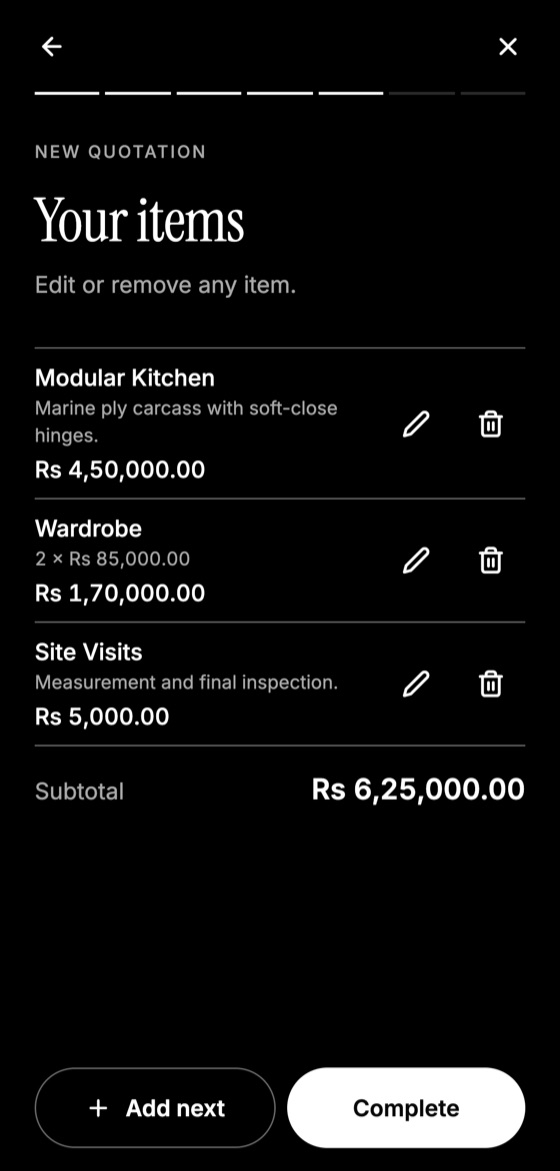
Make this quotation on your phone. Add your company once, then create and share a PDF, even without internet.

Add a contingency
Add a clearly labelled contingency, often a percentage of vendor costs, for changes and surprises. Agree on how it can be used, and who approves it.
Control changes
Late guest-count changes and last-minute ideas are expensive. State that changes after a certain date depend on availability and may cost more.
Payment and cancellation
Vendors usually demand deposits, so your schedule should collect money before you need to pay it. Clearly state that vendor deposits may be non-refundable if the client cancels. Consider what happens with a change of date, bad weather and any cause beyond anybody's control. For bigger events, a written contract is wise.
Quotation Maker App Offline is free on Google Play. It stores your work on your phone and creates a clean A4 PDF you can share anywhere.
Keep reading
Construction Quotation Guide for Small Contractors
How small contractors can write construction quotations: bill of quantities, stages, variations, site conditions, and payment schedules that protect cash flow.
How Electricians Can Quote Jobs Accurately
A practical quoting guide for electricians: pricing points, labour, testing, safety exclusions, and how to handle hidden wiring problems.
Printing and Signage Quotation Guide
How print shops and sign makers can quote jobs, including sizes, materials, quantities, artwork, proof approval, installation and colour tolerance.