Catering is priced on promises about food, numbers and time. Guest counts shift and costs are often committed days ahead, so your terms matter as much as your menu.
Price per person
Per-plate pricing is simple for clients to compare. Work out food cost, then add kitchen labour, service staff, transport, equipment and profit. Check the math at low numbers, as a small event may need a minimum charge.
Spell out the menu and portions
List each dish rather than simply "Non-veg buffet". Note how many starters, mains and desserts are included, and any drinks. Mention vegetarian, halal or allergy options, and be careful with any allergy promises: you may not be able to guarantee an allergen-free kitchen.
Set a guest-count deadline
This protects you most:
"Final guest count is due 7 days before the event. You'll be charged for the confirmed number, or actual attendance if higher."
Food must be bought in advance, so a last-minute drop shouldn't become your loss.
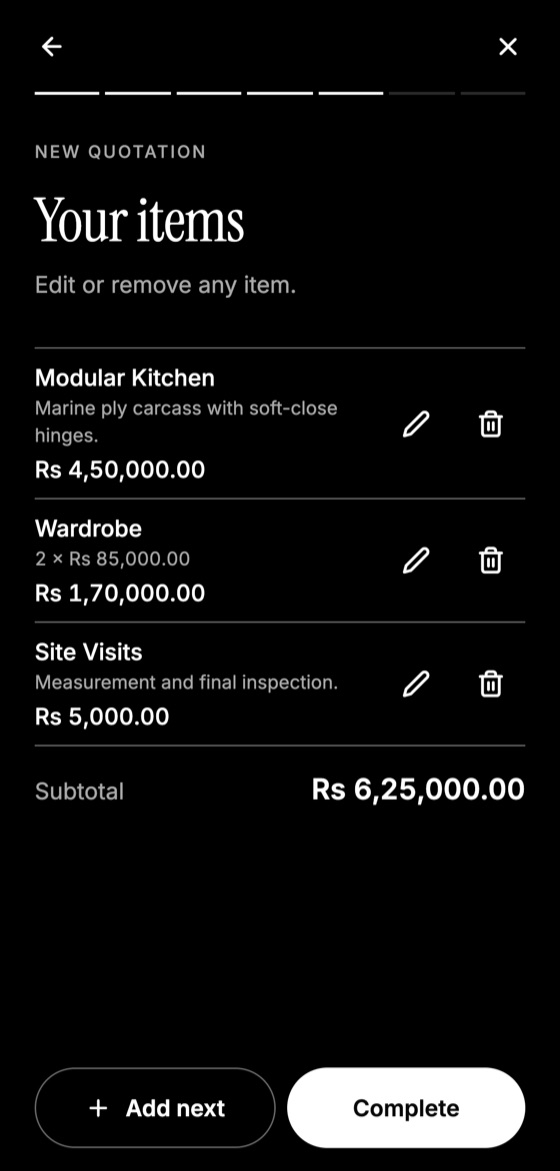
Make this quotation on your phone. Add your company once, then create and share a PDF, even without internet.

List the extras
- Service staff numbers and hours
- Plates, cutlery, tables, tents and chafing dishes
- Transport and set-up
- Venue fees or kitchen access
- Clearing and cleaning afterwards
- Overtime rate if the event runs late
Deposit and cancellation
Take a booking deposit to reserve the date. Set stages: for instance, the deposit is non-refundable within 30 days, and full payment is due 3 days before the event. Check that these terms are fair under local consumer rules.
Food safety and licences
Follow local food safety rules, and mention relevant licences or tasting sessions if you offer them. A menu tasting can help close a larger wedding or corporate booking.
Quotation Maker App Offline is free on Google Play. It stores your work on your phone and creates a clean A4 PDF you can share anywhere.
Keep reading
Construction Quotation Guide for Small Contractors
How small contractors can write construction quotations: bill of quantities, stages, variations, site conditions, and payment schedules that protect cash flow.
How Electricians Can Quote Jobs Accurately
A practical quoting guide for electricians: pricing points, labour, testing, safety exclusions, and how to handle hidden wiring problems.
How to Quote Transport and Logistics Services
How transporters can quote freight, covering distance, weight, loading, waiting time, tolls, fuel changes, insurance and liability limits.