For many small businesses, WhatsApp is where sales really happen. It's fast and convenient, but a price typed in a chat can get lost and is easily misunderstood. Sending a proper PDF gives you both speed and a clear record.
Send a PDF, not just a number
A PDF shows your company name, itemised prices, terms and validity. It also stays the same when forwarded to a manager or partner, which is often exactly what happens.
A message you can use
"Hi Sita, thanks for your enquiry. I've attached your quotation for the office painting.
Total: Rs 85,000 including VAT. Valid until 5 December. We can start from 15 November.
Reply 'confirm' to go ahead, or message me with any questions."
Keep the key facts in the chat, because many people read the message before they open the file.
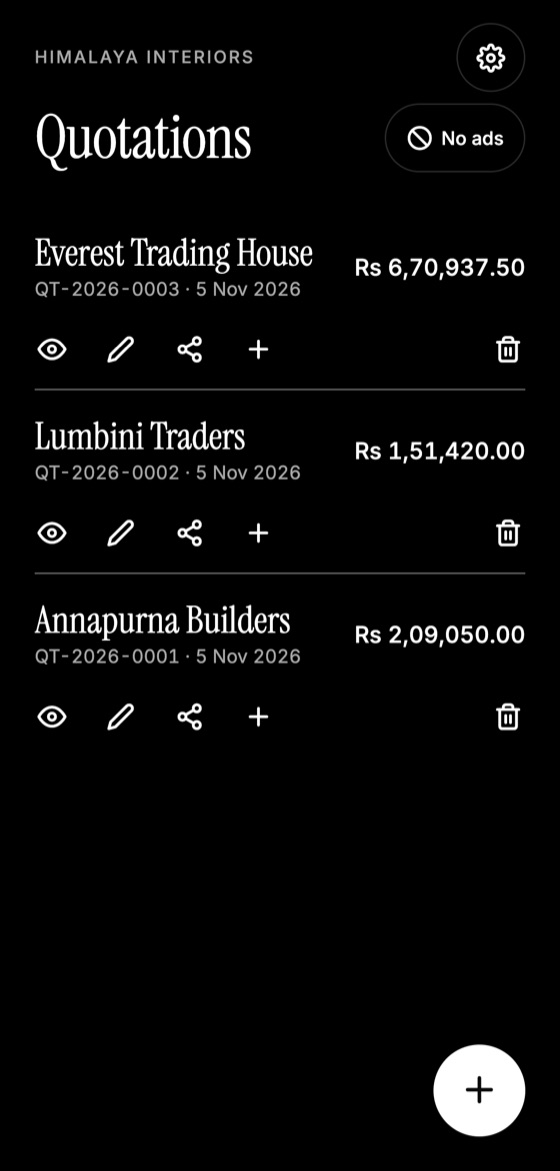
Make this quotation on your phone. Add your company once, then create and share a PDF, even without internet.

Keep a clear record
- Ask for written confirmation in the chat. A simple "Yes, go ahead" is much better than a phone call nobody remembers.
- Send revised versions as new files with a revision label.
- Save accepted quotations in your own records too, as a phone change or cleared chat could lose them.
Written messages can help show what was agreed, but larger jobs may still deserve a signed document.
Use WhatsApp respectfully
- Reply in reasonable hours, unless it's urgent.
- Don't send repeated reminders. A simple follow-up plan is enough.
- Check the number before sending. Prices and client details are private.
Quick sharing from your phone
With Quotation Maker App Offline, you tap Share on a finished quotation and choose WhatsApp. If you're offline, make the PDF now and send it when you're back in signal.
Quotation Maker App Offline is free on Google Play. It stores your work on your phone and creates a clean A4 PDF you can share anywhere.
Keep reading
How to Follow Up on a Quotation: Timing and Scripts
When and how to follow up after sending a quotation, with message examples that feel helpful rather than pushy and tips for knowing when to stop.
Why Clients Reject Quotes and How to Fix It
Understand the real reasons clients say no to a quotation, beyond price, and the practical changes that can improve how often you win work.
Interior Design Quotations: Fees, Stages and Scope
How interior designers can structure a quotation, comparing fee models, listing project stages, and limiting endless revisions and scope creep.