Sending a quotation isn't the last step. Clients get busy, forget, or wait for someone else's approval. A short, friendly message often restarts the conversation, and many small businesses simply never send one.
A simple timing plan
- Same day: confirm it arrived.
- After 2 to 3 days: ask if they have questions.
- Shortly before it expires: remind them of the date.
- After it expires: ask one final time, and offer to refresh it.
Adapt this to the job. An urgent repair moves faster than an office fit-out.
Messages you can use
Confirming receipt
"Hi Sita, I've sent your quotation. Please let me know if it has come through and if you'd like me to explain anything."
Checking in
"Hi Sita, have you had a chance to look at the quotation? Happy to adjust anything if your needs have changed."
Before it expires
"Just a reminder that your quotation is valid until Friday. Let me know if you'd like to go ahead and I'll reserve your dates."
Closing the loop
"I haven't heard back, so I'll assume you've gone in a different direction for now. If anything changes, just message me. I'd be glad to help."
The last message often brings a reply, because it gives people an easy way to answer honestly.
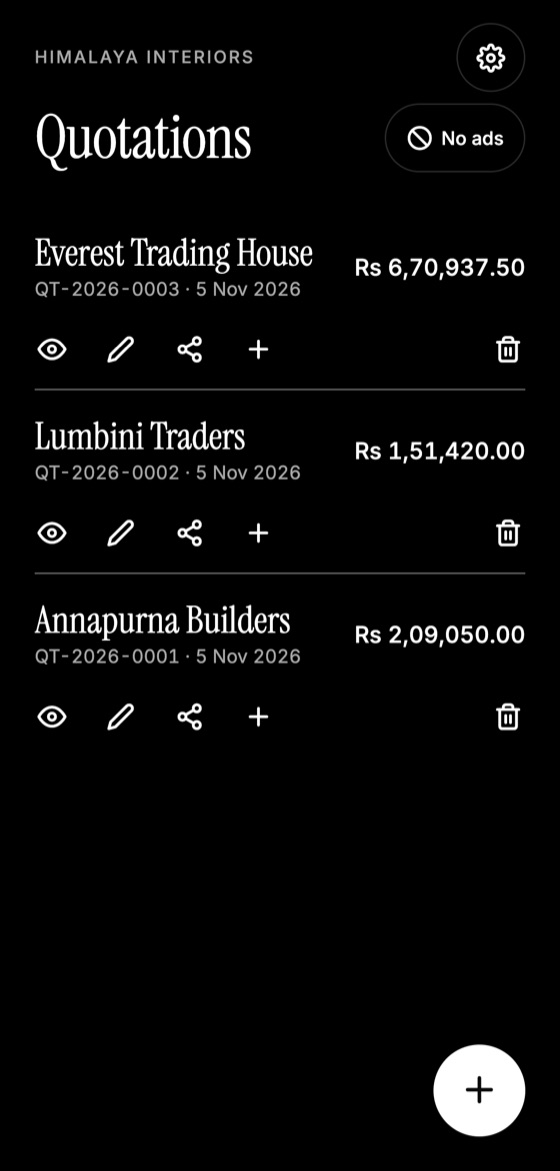
Make this quotation on your phone. Add your company once, then create and share a PDF, even without internet.

Add something useful
Instead of just asking "Any news?", mention something helpful: a material option, an available date, or an answer to a concern they raised.
When to stop
Two or three follow-ups are usually enough. Keep it polite, and stop when someone says no. Thank them, and ask what would've made the difference. Today's no could easily be next year's customer.
Quotation Maker App Offline is free on Google Play. It stores your work on your phone and creates a clean A4 PDF you can share anywhere.
Keep reading
Why Clients Reject Quotes and How to Fix It
Understand the real reasons clients say no to a quotation, beyond price, and the practical changes that can improve how often you win work.
How to Win More Quotes as a Small Business
Practical ways to raise your quote acceptance rate: respond faster, offer options, show proof, explain value, and make saying yes effortless.
What to Do After a Client Accepts Your Quotation
The steps to take once a quote is accepted: get confirmation in writing, collect the deposit, schedule work, order materials and set expectations.