Confusing markup with margin is one of the most common pricing mistakes. Adding 30% to your costs doesn't give you a 30% profit margin. On a large job, the difference can be significant.
The two formulas
Markup is profit as a percentage of cost.
Markup = (Price − Cost) ÷ Cost
Margin is profit as a percentage of the selling price.
Margin = (Price − Cost) ÷ Price
An example
A job costs you 10,000 and you charge 13,000. Your profit is 3,000.
- Markup: 3,000 ÷ 10,000 = 30%
- Margin: 3,000 ÷ 13,000 = about 23%
The same profit gives you two very different percentages.
How to hit a target margin
If you want a specific margin, don't simply add that percentage to the cost. Use this instead:
Price = Cost ÷ (1 − Target margin)
For a 30% margin on a cost of 10,000:
10,000 ÷ 0.70 = about 14,286
Adding 30% would give you only 13,000, and a margin of about 23%.
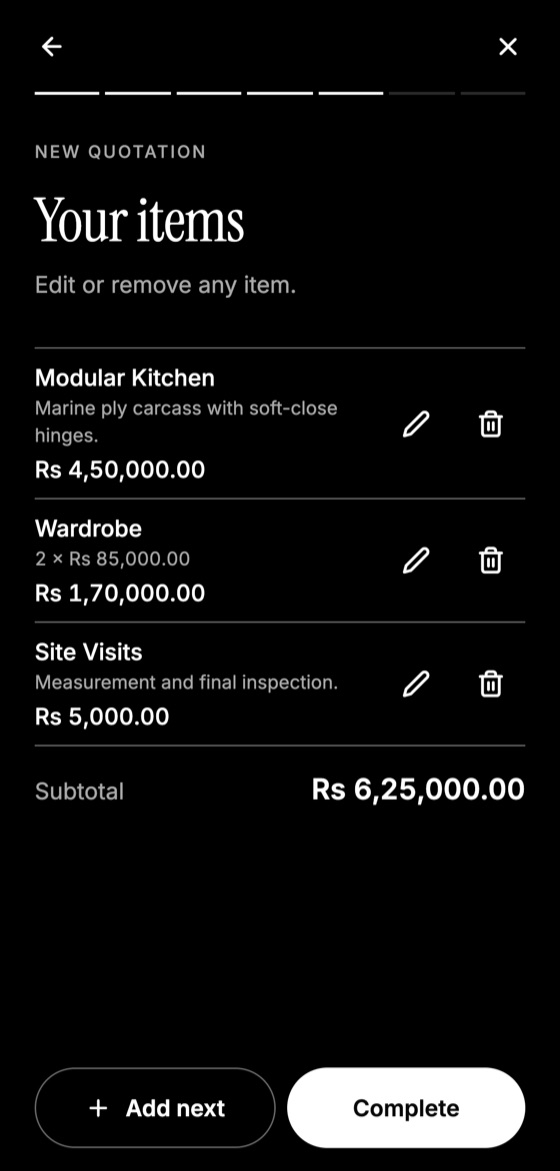
Make this quotation on your phone. Add your company once, then create and share a PDF, even without internet.

Handy conversions
- 25% markup is a 20% margin.
- 50% markup is about a 33% margin.
- 100% markup is a 50% margin.
Watch your discounts
Discounts come straight out of profit. On the example above, a 10% discount on the 13,000 price removes 1,300, which is over 40% of your 3,000 profit. Before offering one, work out what is left. The guide on discounts explains safer alternatives.
Count all your costs
A margin is only accurate when your cost is. Include labour, delivery, wastage and subcontractors, not just materials.
Quotation Maker App Offline is free on Google Play. It stores your work on your phone and creates a clean A4 PDF you can share anywhere.
Keep reading
How to Price Your Services Without Guessing
A straightforward way to calculate prices for your services, including hidden costs, a working hourly rate and sensible margins for small businesses.
How to Offer Discounts on Quotes Without Losing Money
When a discount makes sense, how to show it on a quotation, and better alternatives that keep your profit and your client happy.
How to Follow Up on a Quotation: Timing and Scripts
When and how to follow up after sending a quotation, with message examples that feel helpful rather than pushy and tips for knowing when to stop.